
EA App: There’s a problem with your download [FIX]
If the EA App won’t download new games, try clearing the app cache to see if that solves the issue.… Read More »EA App: There’s a problem with your download [FIX]
If the EA App won’t download new games, try clearing the app cache to see if that solves the issue.… Read More »EA App: There’s a problem with your download [FIX]

If the EA App says there’s a problem with your account when you try to log in, check if your… Read More »EA App: There’s a problem with your account [FIX]
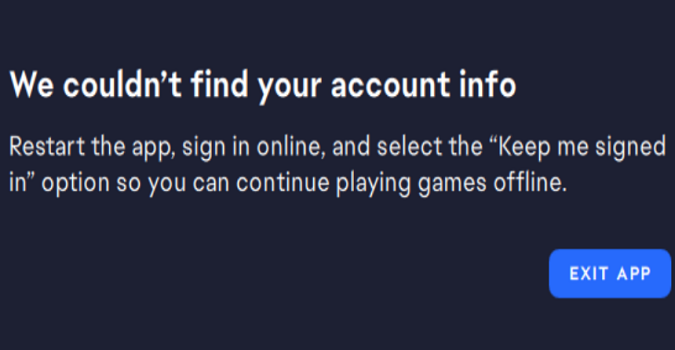
EA App: We couldn’t find your account info. Restart the app, sign in online, and select the “Keep me signed… Read More »EA App: We couldn’t find your account info [FIX]
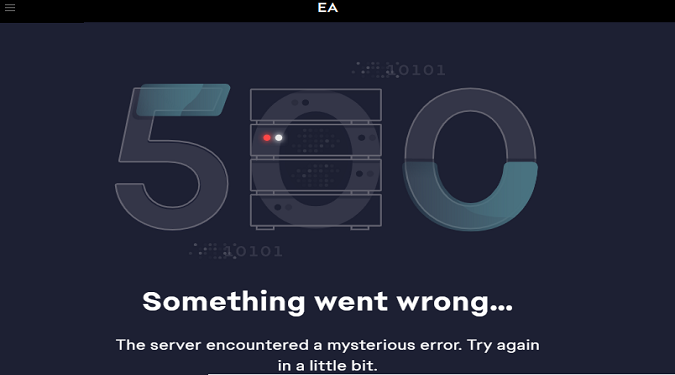
EA App Error 500: Something Went Wrong. The server encountered a mysterious error. Try again in a little bit. If… Read More »How to fix EA App error 500 | Quick & simple solutions
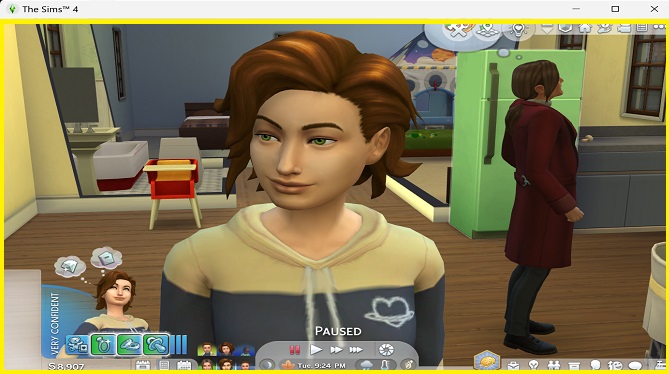
If there’s a yellow border around your Sims 4 screen, this indicates you’re capturing video of your gameplay. You may… Read More »Why is there a yellow border around my Sims 4 game?
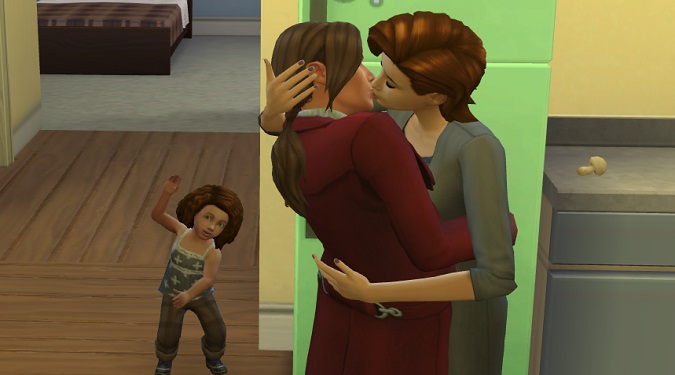
On Windows 10 and Windows 11, your Sims 4 screenshots are saved under Documents\Electronic Arts\The Sims 4\Screenshots. Open the Screenshots… Read More »How to take Sims 4 screenshots and where to find them
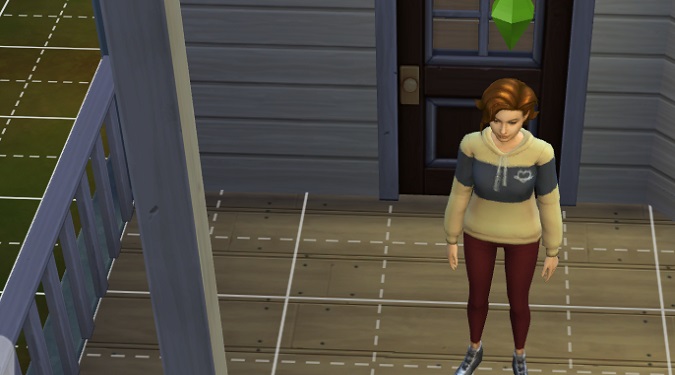
To remove the grid in Build Mode in The Sims 4, press the G key on your keyboard. All the… Read More »The Sims 4: How to remove the grid in Build Mode
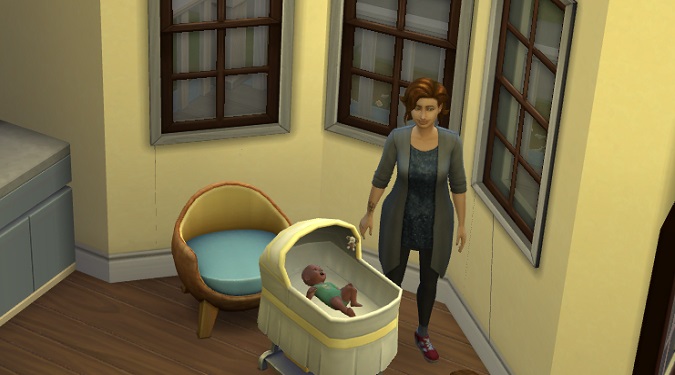
If your babies won’t stop crying in The Sims 4, this typically indicates their needs are not met. To make… Read More »How to stop a baby from crying in The Sims 4
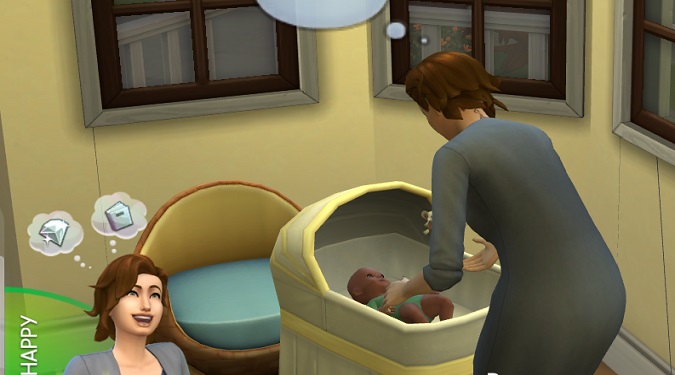
If your Sim wants to have a large family or you’re doing the 100 Baby Challenge, the last thing you… Read More »The Sims 4: What to do if your baby disappeared after birth
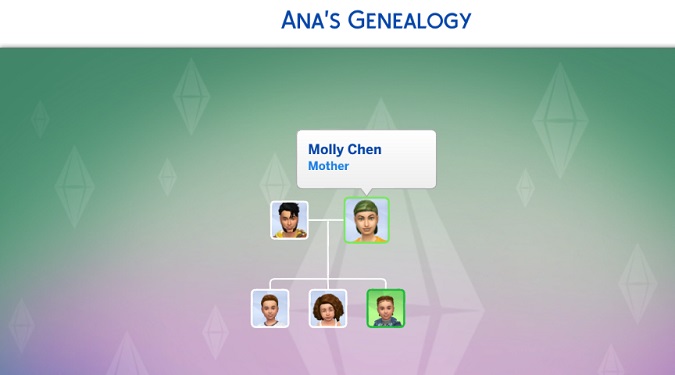
To see the family tree of a Sim, click on the Simology icon and then select the Show Sim’s Genealogy… Read More »How do you see the whole family tree in The Sims 4?